
Microsoft 365 Migration Services
Move to Microsoft 365 Without the Stress, Downtime, or Confusion
Prestwood IT helps Sacramento-area businesses migrate email, users, files, Teams, SharePoint, and OneDrive into a cleaner, more secure Microsoft 365 environment. From planning and DNS setup to security, onboarding, and post-migration support, we help make the move smooth from start to finish.
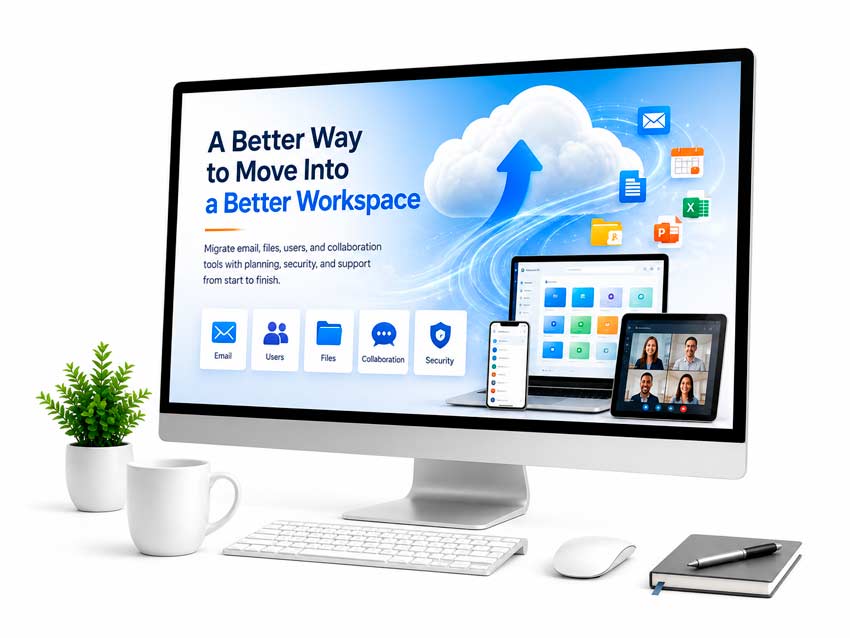
A Better Way to Move Into Microsoft 365
Migrate your email, files, users, and collaboration tools with a clear plan—not guesswork.
A Microsoft 365 migration should give your business more than a new place to store email and files—it should create a cleaner, more secure foundation for communication, collaboration, and daily productivity. Prestwood IT helps Sacramento-area businesses plan and complete Microsoft 365 migrations, including email, users, DNS, Teams, SharePoint, OneDrive, security settings, onboarding, and post-migration support.


Migration Planning Matters
Turn your website into a stronger first impression, a better user experience on Mobile, and a more reliable source of local leads.
A rushed Microsoft 365 migration can lead to missing mail, duplicate files, broken permissions, confusing Teams structures, and security gaps that slow your business down. Prestwood IT helps prevent those problems with a clear migration plan built around your users, data, systems, and daily workflow.
Our planning process may include reviewing your current email platform, users, mailboxes, domains, DNS, licensing, file structure, Teams, SharePoint, MFA readiness, migration timing, onboarding needs, and post-migration support.
Email Migration to Microsoft 365
Email is often the most sensitive part of a migration because employees depend on it every day. Prestwood IT helps businesses move email into Microsoft 365 while planning for mail flow, mailbox access, domain records, shared mailboxes, and user support.
We can help migrate from older email hosts, cPanel email, GoDaddy email, Google Workspace, legacy Office 365 environments, and other business email platforms. After the migration, we can help users connect Outlook, access email on mobile devices, understand shared mailboxes, and resolve common sign-in or synchronization issues.


Teams, SharePoint,
and OneDrive Migration
Prestwood IT helps businesses make practical decisions about where files should live, how teams should be structured, and how users should access shared documents. This may include:
- OneDrive setup for individual user files
- SharePoint planning for shared company documents
- Teams structure for departments, projects, or working groups
- Permission planning
- File access cleanup
- Guidance for replacing outdated shared drives
- Basic user training and support